The content engine
The configurator is the lead engine — design your camp life, book a Zoom — and the same mechanic is the content engine that fills the funnel. This page assembles the concept and the video ideas in one place.
Two axes, not one: unlock × level
Most configurators ask one question — does this feature exist? This one asks two: UNLOCK (does this capability exist in your camp?) and LEVEL (how good is it?). The customer isn't building a spec sheet — they're designing their camp life.
"I'm not buying a gas burner. I'm choosing what kind of cook I am at camp."
How the configurator works
It opens with "Who's coming on this trip?" — Solo / Couple / Family — which pre-sets every level. From there the customer unlocks capabilities and chooses a level for each.
| Capability | ⛺ Weekender | 🥾 Glamper | 🏠 BaseCamper |
|---|---|---|---|
| Shade | Basic awning | Awning + side wall + mat | Full enclosed side room + flooring |
| Water | Manual tank + gravity tap | Pressurised cold tap | Hot + cold pressurised |
| Power | USB only | Full 12V — fridge, lights, fan | 240V inverter + smart switching |
| Cooking | Jetboil | Gas burner + griddle | Full outdoor kitchen |
| Sleeping | Mat + bag | Fold-out bed + bedding | Memory foam + kids bunk |
| Privacy / Toilet / Food / Lights / Design | …each on the same three-level scale (shower curtain → wet room; porta potty → flush; cool bag → compressor freezer; LED strip → scene lighting; standard → signature livery). | ||
The funnel
The configurator is the funnel. No prices in the tool — the build gets the customer emotionally committed to the capability, the environment toggle puts their family in the picture, and the natural end state is "Book a Zoom" (Calendly). The Zoom is the price reveal and qualification. "Save my build" / "Share my camp" are the soft asks.
Build tiers (developer brief)
Static renders of the trailer at each capability level × environment; click an unlock → label appears; choose level → image swaps; Camp Score updates. Fakes the mechanic, proves conversion.
Real-time rotatable model; capability + level updates the 3D live; environment HDRIs; Camp Score, persona presets, share, Calendly.
Game-grade. Overkill for lead-gen at this stage.
Recommendation: ship Tier 1.5 with the freelance Blender model now, take the conversion data into a Tier 2 brief. Full teardown and decisions in Vren/vren-configurator-concept.md; the 3D model brief in Vren/freelancer-brief-3d-trailer.md.
Video & content concepts
The configurator mechanic is the content series — every level unlock is a scene. The lifestyle renders on the concept mockups page are the storyboard frames; the four environments below are the video set.
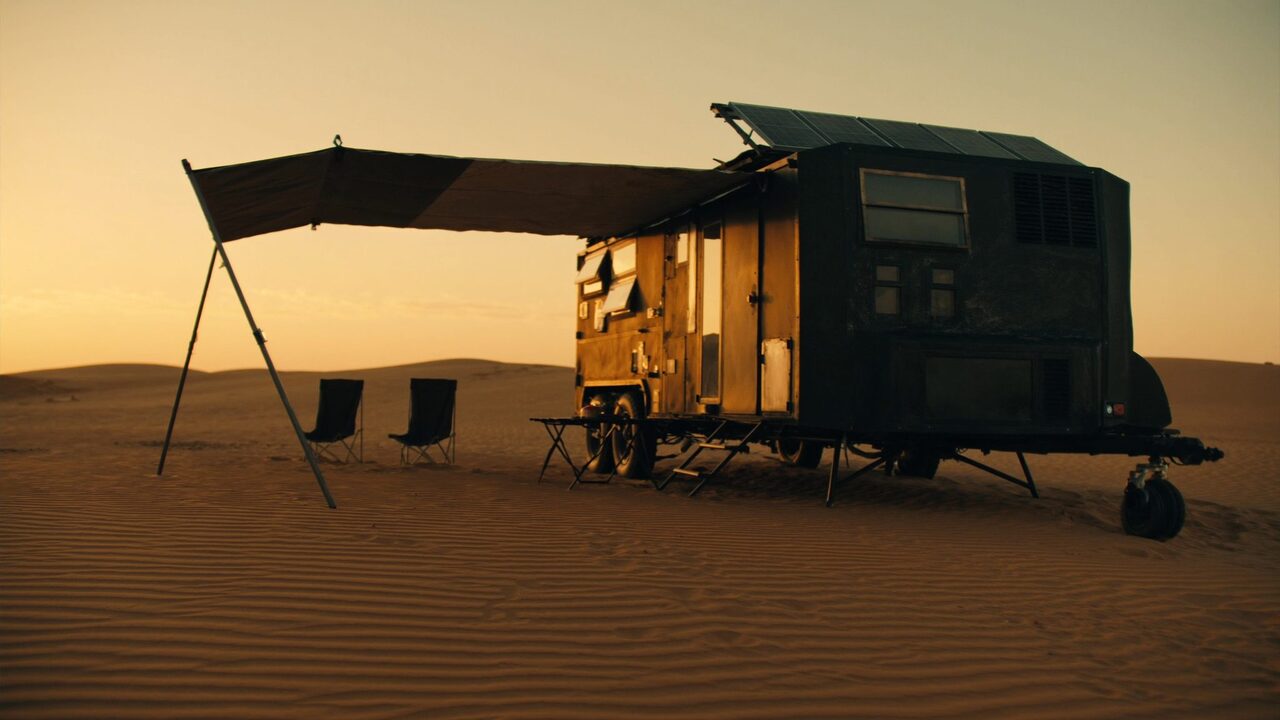
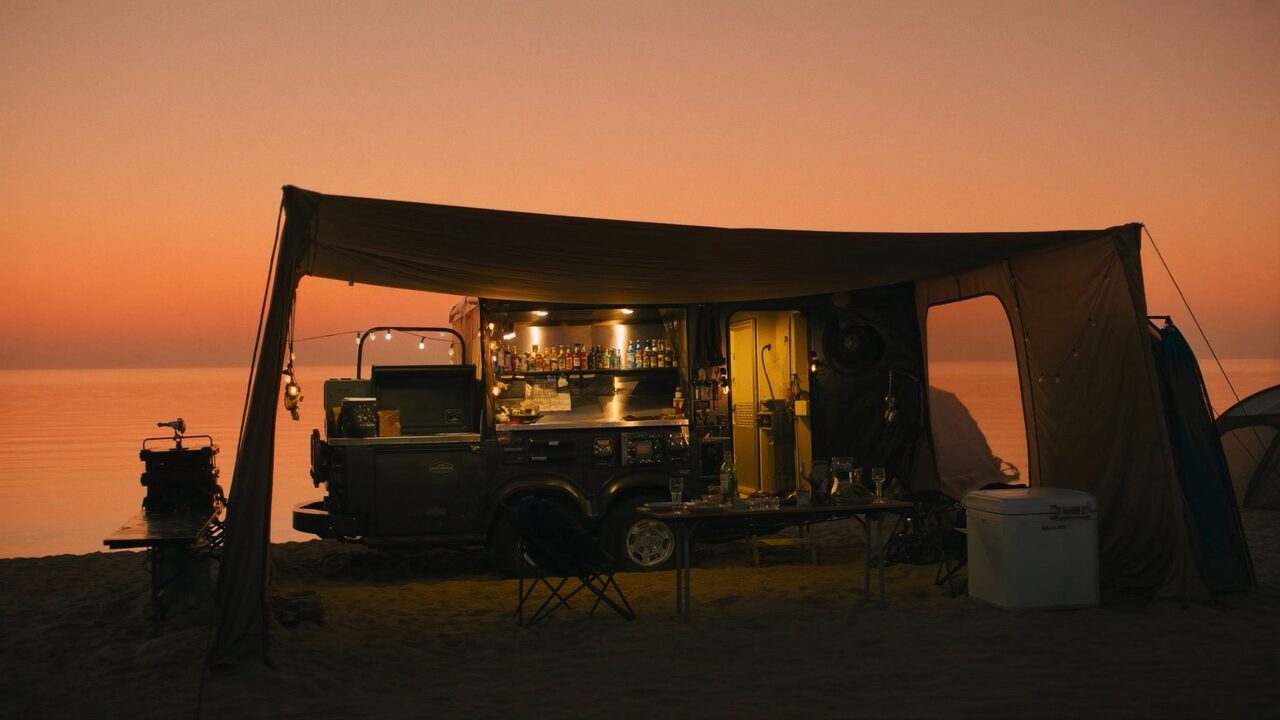
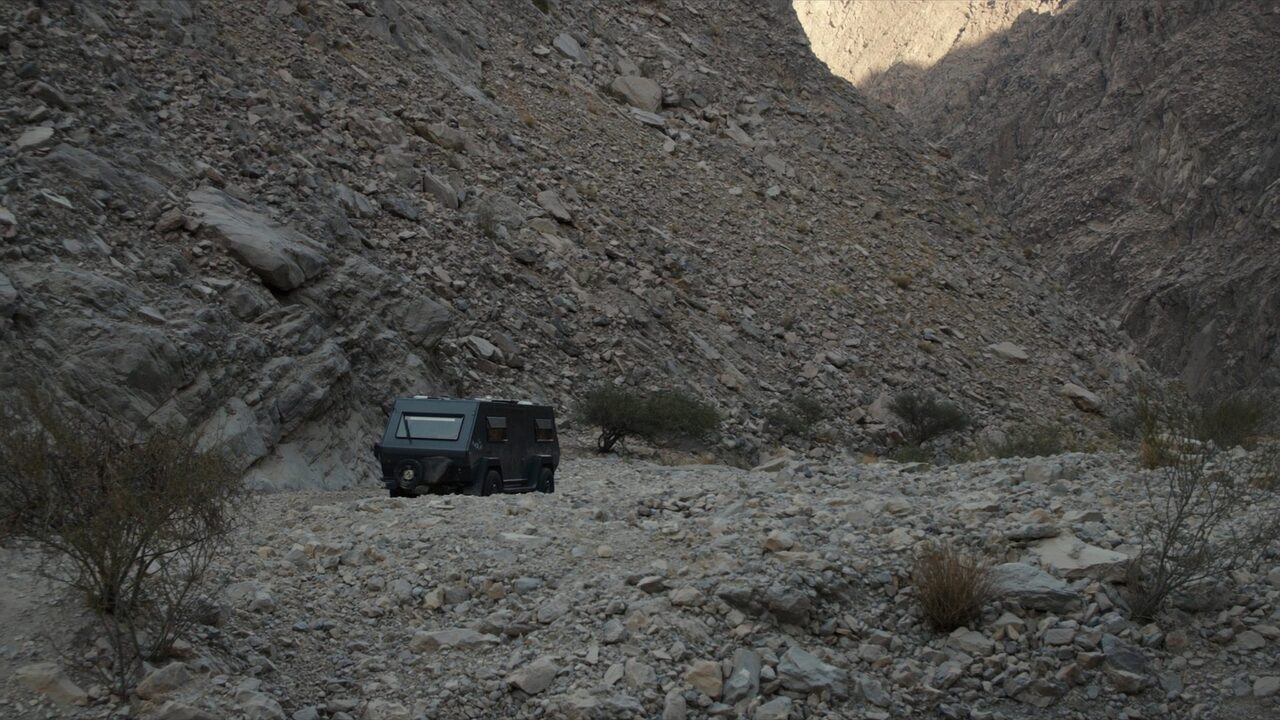
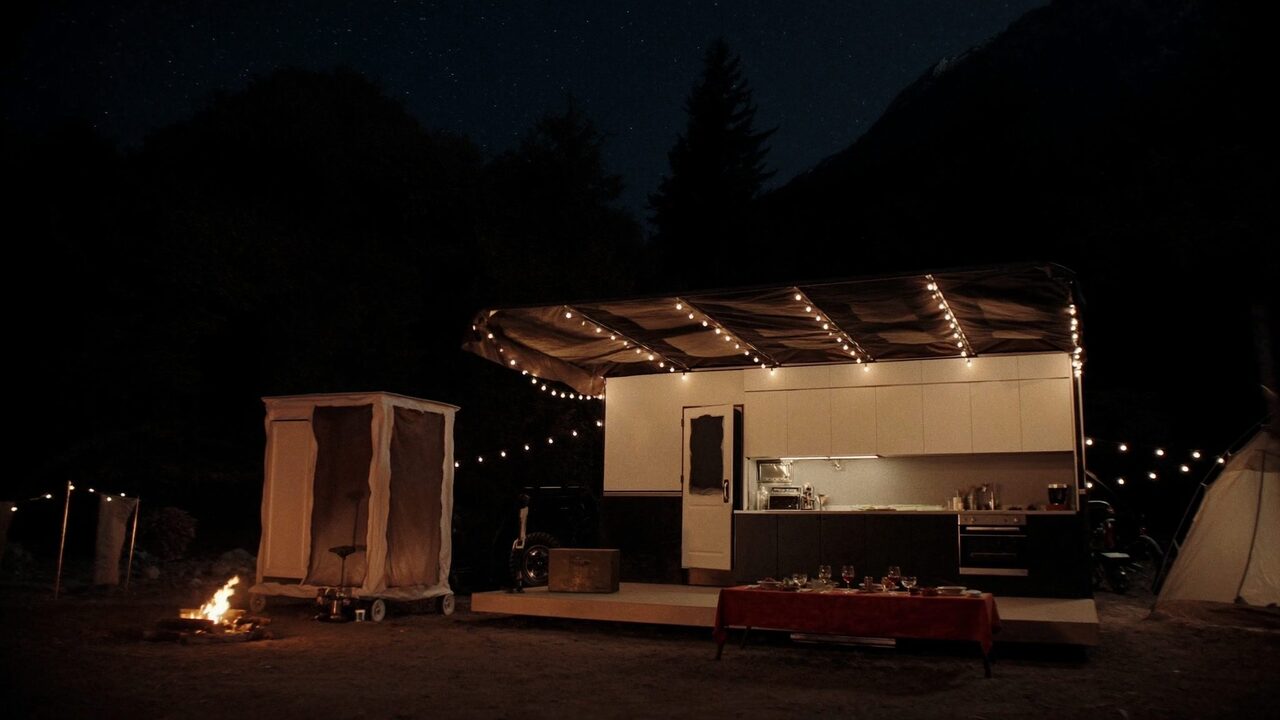
The series — "Levelling up the camp"
"Day 1 — arrived. Base Camp. We survived."
"Day 2 — added the kitchen. Cooking Level 2. Proper breakfast."
"Day 5 — full camp. Camp Like Home. She stopped complaining."
Each capability upgrade is a short. The format doubles as product research: ask 100 UAE parents which levels they care about (hypothesis: mums vote Level-3 shower + sleep; dads vote Level-1 everything and Level-3 cooking). That data drives both the product roadmap and the content calendar.